

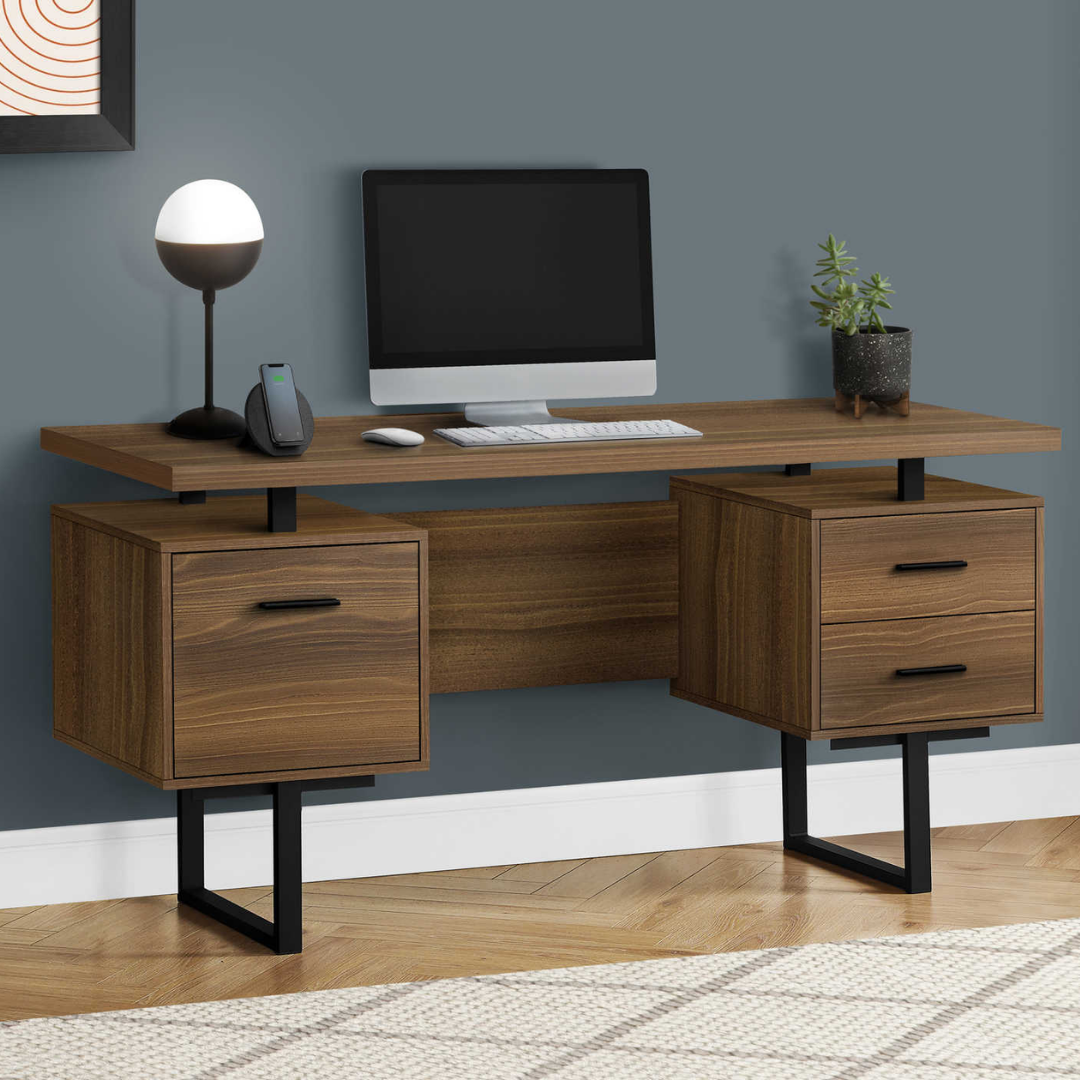
A desk that wobbles with every mouse click isn't just a minor detail: it's a daily irritation that eventually makes you change your posture, hunch your shoulders... and often, buy another desk a few months later. The worst part? During a liquidation sale, you might find a great deal, but also a model that looks fine in photos and starts to shake as soon as you put a monitor on it.
If you're looking for a solid desk in Montreal during a desk liquidation sale, the right approach isn't to look for "the biggest" or "the heaviest." True stability comes from the structure (metal vs. panel), the type of legs, the assembly points, the usable depth, and how the desk handles the load (monitors, monitor arms, printer, etc.).
In this guide, you'll learn how to quickly identify a stable desk (one that doesn't wobble) and do a quick checklist in the warehouse before paying. And most importantly: I'll point out specific models from our desk collection that meet concrete needs, from a small home office corner to a dual-monitor setup.
Want to sort this out today?
See available desks nowWhat you'll learn
- Why a desk wobbles (and which parts are responsible for the play)
- The 5 criteria for true stability: frame, reinforcements, assembly, surface, load
- A quick checklist to do on-site before paying during a liquidation sale
- Which models to choose based on your space (small, medium, large) and your use (monitors, storage, standing)
Quick Pick
- Small space → Merido – 47 in Computer Desk – White / Silver Metal
- Stable dual-monitor setup → Floatrex – 60 in Computer Desk – Walnut / Black Metal
- Capacity + room corner (L) → Oakvion – 60 in L-Shaped Desk – Light Oak Black Metal
1) Why your desk wobbles (even if it looks solid)
A wobbly desk is almost always a combination of torsion (the tabletop twists) and play (loose connections). This happens when the base has no reinforcements, when the legs are too "open" without triangulation, or when there are too few assembly points for the length of the tabletop.
In practice, the most revealing test isn't to push hard: it's to place your hands as if you're typing and make a slight lateral movement. If you feel a float, imagine a monitor arm, a mechanical keyboard, or just a day of telecommuting: it will amplify.
Direct solution if you want a base that "locks" well: aim for a desk with metal U-shaped legs and a structure designed for rigidity. The Floatrex is perfect if you want a stable workstation because its black metal U-frame anchors the desk to the floor and limits swaying, while offering a large 60-inch surface to distribute your equipment.

2) The 5 criteria for a stable desk (checklist before buying)
When you're shopping for a solid desk in Montreal during a liquidation sale, you want a quick method. Here are the 5 criteria that make an immediate difference in stability.
1) The type of base: metal bases with a structural shape (U, square frame, X-shaped legs) better resist lateral movements. 2) Reinforcements: back bars, triangular supports, cross braces... these prevent "racking" (diamond-shaped deformation). 3) Assembly points: the more well-distributed connections there are, the less play there will be. 4) Usable depth: a desk that's too shallow forces you to put the monitor on the edge; the weight becomes a lever that accentuates wobbling. 5) Actual load: think about your setup (monitors + arms + laptop + printer) and choose a format that distributes the weight.
For a compact but serious setup, the Merido 47 in checks several boxes: 1.5-inch thick tabletop (rigidity), triangular support bars (stability), and metal legs. It's ideal if you want a desk that doesn't move in a condo or bedroom, without taking up 60 inches of wall space.

Bonito Tip
In the warehouse, do the 15-second test: hands on the tabletop, slight left/right pressure, then gently push a corner. If it moves, look under the desk: if there's no back bar, triangular reinforcement, or "closed" frame, you've often found the cause. Also, verify that all screws are tight and that the desk is on a flat surface (some models have adjustable feet, which helps a lot on imperfect floors).
3) Stability = surface + storage that "weighs" in the right place
A stable desk is also about load distribution. If your tabletop is long and all your weight (monitor, tower, printer) is on one side, you create a lever effect. Desks with integrated drawers/filing cabinets often have an advantage: the cabinet adds mass and stiffens one side, which reduces movement.
If you want a workstation that remains stable even when you pull out a drawer, the Storvion 60 in is ideal thanks to its thick panel construction, metal U-shaped legs, and integrated storage (utility drawer + letter/legal filing drawer + cubby). The concrete result: your setup is better organized and the desk stays "planted" when you work fast.
A little extra for the decision: if you also plan to upgrade your posture, consider pairing your desk with a chair from the office chairs collection. A stable desk + an adjustable chair is what eliminates the need to readjust yourself 20 times a day.

| Need | What prevents wobbling | Meubles Bonito Solution |
|---|---|---|
| Small space, laptop + notebook | Thick top + triangular reinforcements | Merido 47 in |
| 60 in setup (wide screen / dual screen) | Metal U-frame + long top that distributes the load | Floatrex 60 in |
| Organization (filing cabinet + accessories) | Cabinet stiffens + integrated storage | Storvion 60 in |
| Room corner, large surface | L-shape + 2-piece structure that stabilizes the whole | Oakvion 60 in L-shaped |
| Sit-stand (change posture) | Square metal frame + adjustable legs | Liftora adjustable |
4) The "on-site" checklist before paying (liquidation)
Liquidation is the right place to buy a stable desk, provided you check two things: rigidity and assembly. Here's a quick checklist to do in-store before pulling out your card.
Stability Checklist (30 seconds):
• Look under the tabletop: is there a metal frame (ideal) or just screwed-on panels? • Look for a back bar or reinforcements (triangles, X, U). • Check the number of fastening points at the corners (the more distributed, the better). • Do the "mouse click" test: hands on the tabletop, slight lateral movements. • If the floor is uneven, ask yourself if the model has adjustable feet (this makes a huge difference in some apartments).
If your goal is a stable desk corner with two distinct surfaces, an L-shaped desk is often the best answer. The Oakvion L-shaped 60 in is perfect if you want a stable setup because its surface supports up to 198 lb (clear capacity) and the lateral unit adds a structure that "blocks" movements, in addition to giving you shelves to avoid overloading the tabletop.

Which desk to choose according to your situation
If you want a stable desk for a small space (laptop + one monitor) → get the Merido 47 in, ideal thanks to its 1.5 in top and triangular bars that reduce play when you type.
If you want a 60 in setup that stays put (wide screen, monitor arm, intensive work) → get the Floatrex 60 in, perfect because its metal U-frame stabilizes the whole and the drawers help you keep the weight well distributed.
If your main need is storage + stability (documents, filing, accessories) → get the Storvion 60 in, ideal thanks to its letter/legal filing drawer and its thick panel construction that stiffens the structure.
If you want to maximize a corner and prevent a long tabletop from "pumping" → get the Oakvion L-shaped, perfect because its L-configuration + lateral unit stabilizes and organizes your setup.
If you want to alternate sitting/standing and maintain a stable base on a not always perfect floor → get the Liftora adjustable height, ideal thanks to its square metal frame and adjustable feet (useful for compensating for small unevennesses).

Frequently Asked Questions
How to quickly tell if a desk is stable in-store?
Make a slight lateral movement with your hands on the tabletop (as if typing). Then, gently push a corner. A stable desk will return "dry" without oscillation. Look underneath: a back bar, triangular supports, or a metal U-frame are good signs.
Is an L-shaped desk always more stable?
Often yes, because the L-shape and additional sections (return, lateral unit, shelves) limit torsion. For example, a model like the Oakvion L-shaped adds structure that helps keep the setup well-anchored.
Is 60 inches too big for a condo in Montreal?
Not necessarily. A 60-inch desk can be more stable because the load is better distributed, especially if you use a wide screen. Measure your wall and leave clearance for the chair. If you want integrated storage, also check out 60-inch desks like Storvion or Floatrex.
Delivery and financing: what are the options?
Delivery is free within a 30 km radius on purchases of $199+. For financing, you can pay with Affirm at 0% over 6-12 months, or via RBC at 0% over 6 months (24-36 months with interest). For exchanges, it's 15 days in original packaging (exchange only).
A non-wobbly desk is a small upgrade that changes your days: you click, you type, you write... and everything stays stable. In liquidation, the key is to check the structure (metal frame, reinforcements), the assembly points, and the usable surface, then choose a model that matches your actual setup (monitors, storage, room corner, sit-stand).
Visit our warehouse at 5570 Cartier Street or shop online now.
Ready to choose a desk that stays stable?
Find your stable desk today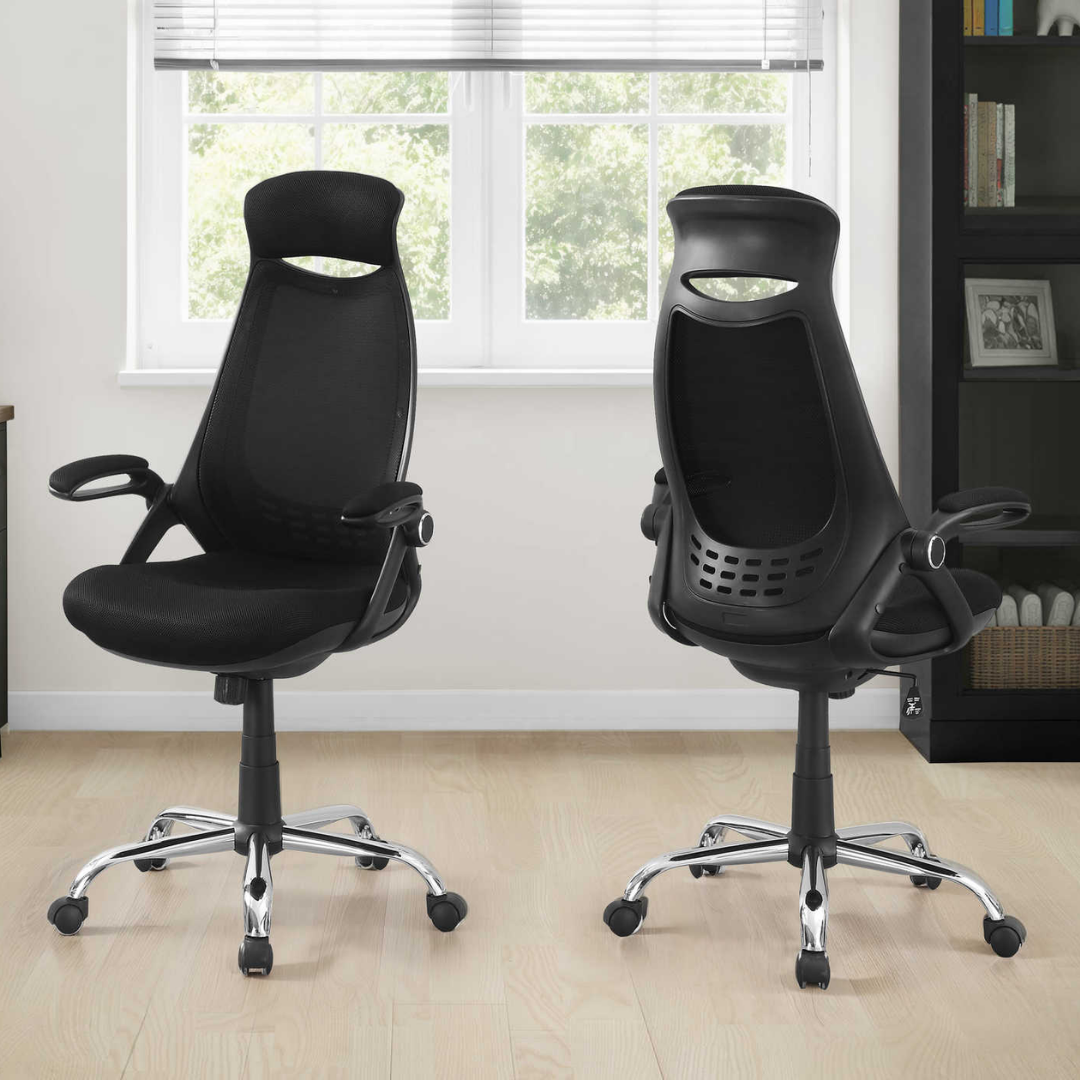

Leave a comment
This site is protected by hCaptcha and the hCaptcha Privacy Policy and Terms of Service apply.